
POV: your wedding invitation video is the one everyone forwards
Haveli doors swing open, a lotus blooms, a diya lights up, and there are your names. A short video invite for WhatsApp that they’ll watch twice.
See every design with your names
A sample invite. Yours opens with your names.Royal
Every opening, playing in your names







Wording to copy
Your names drop straight in. Tap copy and paste it anywhere.
To send with the video, for the family group
The wait is over! Here’s our wedding invite: Tanya and Vikram, 14 February 2027, Udaipur. Watch it till the end. Every function’s time and place is on the link, and you can tell us there how many of you are coming.
For your friends
POV: you just got the most filmy invite of the season. We’re getting married on 14 February 2027 in Udaipur, and you’re not allowed to miss it. Open the link, see the functions and start planning your outfits.
Made for the family group
A video invite travels the way your family does, from one WhatsApp group to the next. Yours opens like the real thing, with your names on it, sized for a phone screen and a status.
Pick the opening that feels like you
Jharokha: carved haveli doors swing open at dusk onto a courtyard of diyas and marigolds.
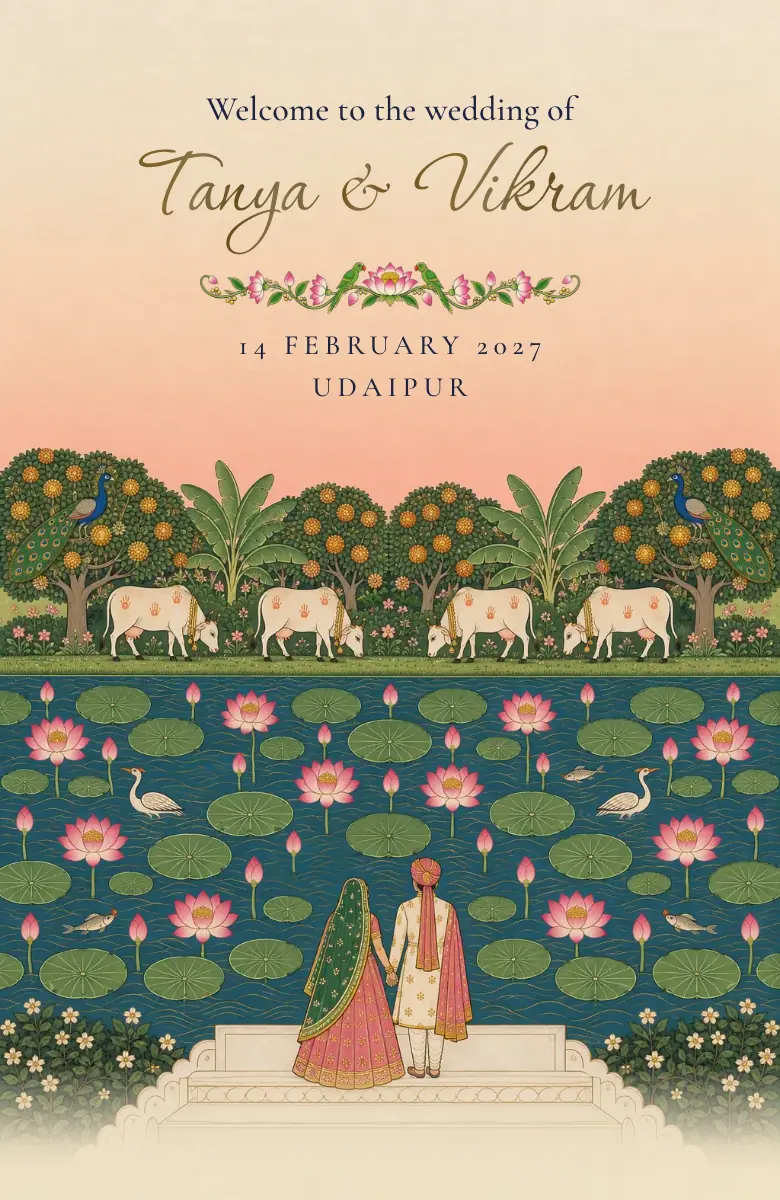
Pichwai: a lotus pond blooms open, soft and full of colour. Made for a haldi or a day wedding.
Temple: a brass lamp your guests light themselves, made for South Indian weddings.
Ivory: the wax seal breaks and an ivory envelope opens. Minimal and classy.
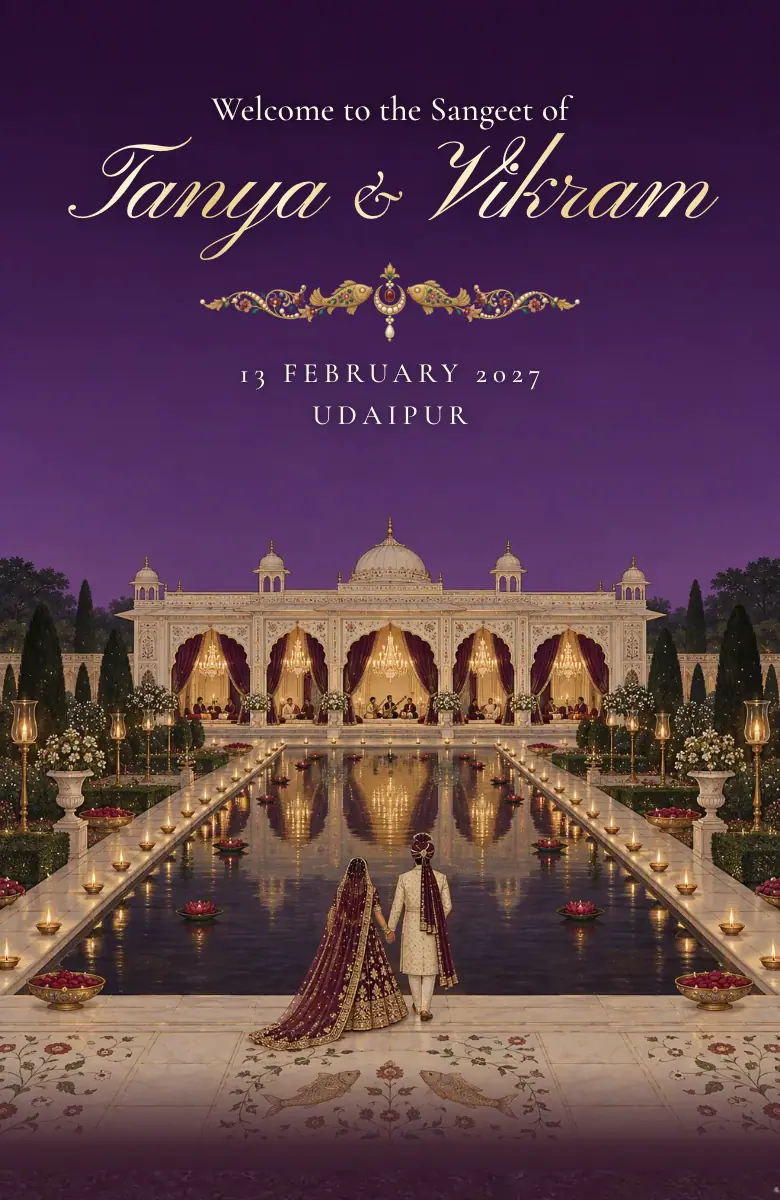
Mehfil: a palace hall lit one candle at a time, for sangeet nights and evening weddings.
The haveli walk: guests scroll through the doors, across the courtyard and into a room for every function.
The video starts the buzz, the link does the rest
Send the video to get everyone excited, with your invite link beside it. The link has every function with its time, place and what to wear, the venue map and the reply.
If a time changes, the link shows the new one. A video stays as it was sent, so send it once your dates are final.
How to make a wedding invitation video
1. Type your names, and your names in Hindi if Dadi will watch it that way. Every opening redraws in them at once, with no sign-up.
2. Pick the opening by the function. Jharokha’s haveli doors or Ivory’s wax seal for the wedding, Genda’s marigolds for the haldi and mehndi, Mehfil’s candlelit hall for the sangeet.
3. Add your date and city, and check every spelling now. Once a video is sent, it can’t change.
4. Fill in the invite link that goes with it: every function with its time, place and dress code, the venue map and the reply. The details live there, and they can change.
5. Open it like a guest on your own phone, in English and in Hindi, before anyone else sees it.
6. The video invite comes with Royal, ₹499 a month after a first day for ₹1. Send it to the family group with your link beside it.
Start with your names
Your invite, your logo and every card, ready to make your own. Try every design before you decide.
Make our inviteQuestions
How do I send a wedding video invite on WhatsApp?
Save it to your phone and share it like any video, to each family or to the family group. Send your invite link with it, so they can open every function and reply.
Can we add our photos?
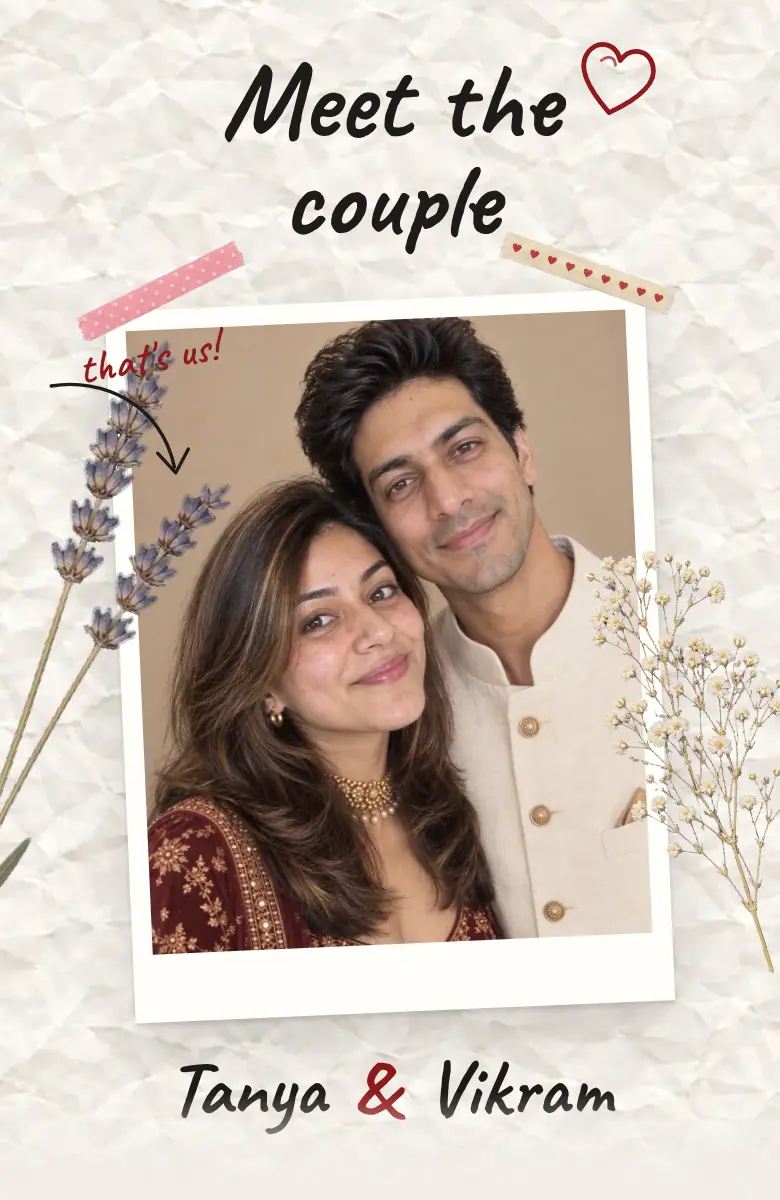
Yes. Your own photos, or your Saath pre-wedding photos, go on your invite and every card.
Will it play on every phone?
Yes. The video plays in WhatsApp like any other, and the invite link opens in WhatsApp or any browser. Nobody needs an app.
Can we change it after sending?
The link, yes: change a time or a venue and every family sees the new one. A video can’t change once it’s sent, so send it when your dates are final.
Can we see it with our names first?
Yes. Type your names at the top of this page, and every invite opens with them. No sign-up.